On your Mac
Everything Blinky does, signed in or not
- One-off and repeating reminders
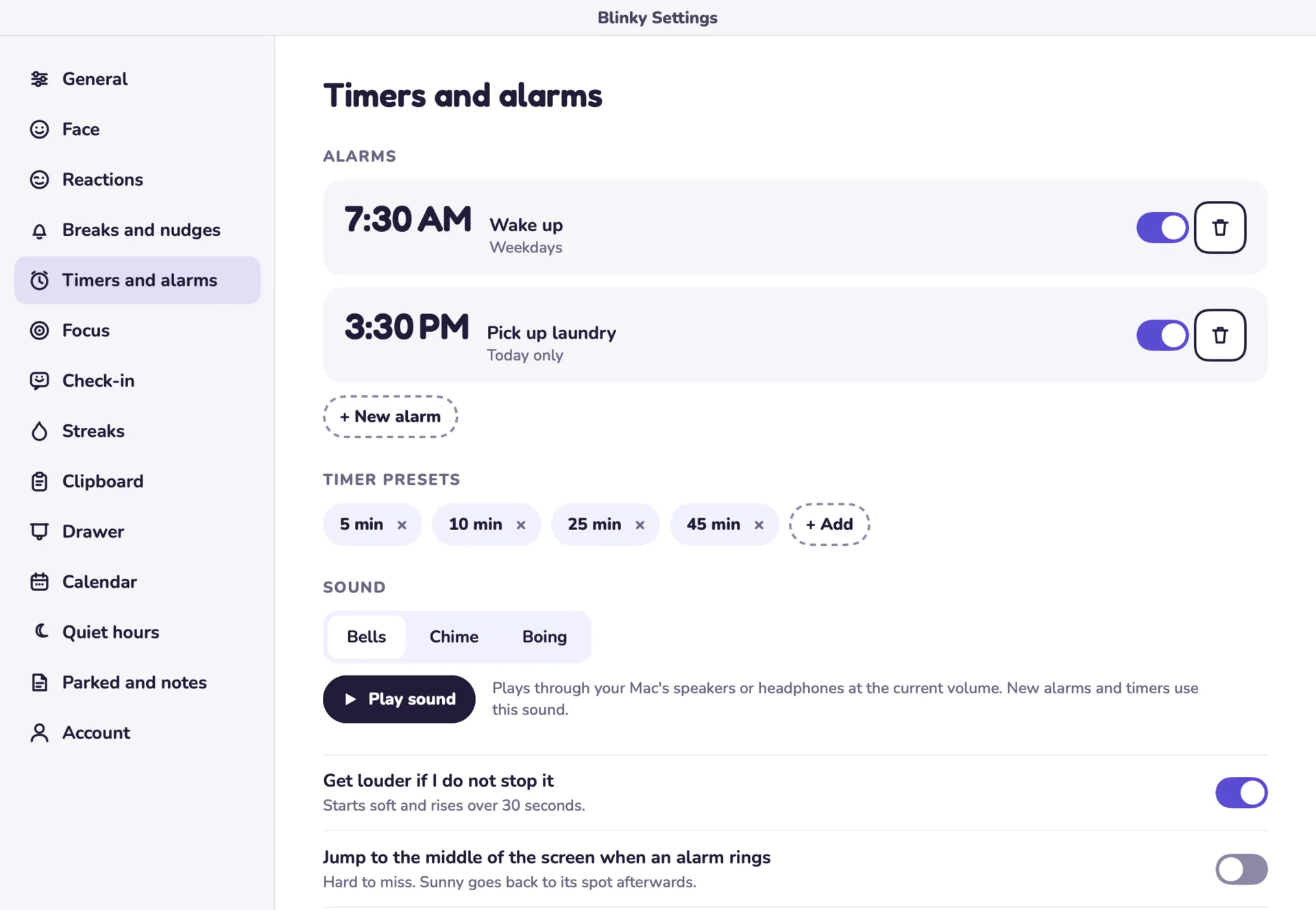
- Timers, alarms, a stopwatch and countdowns
- Focus sessions and quiet hours
- Calendar alerts
- Clipboard history
- Notes, tasks and parked items
A small companion that floats above your Mac apps, with reminders, daily check-ins, timers, focus sessions and calendar alerts. An optional account keeps everything in step across your Macs.
A day at a computer slips by easily. Reminders get buried under open windows, and breaks are the first thing to go.
Most reminder apps are lists you have to remember to open. We built Blinky as a small companion that stays on screen, so the nudge comes to you.
It stays out of the way until something needs your attention.
A short first-run setup puts Blinky on screen, floating above your other apps.
You set reminders, alarms, focus sessions, quiet hours and a daily check-in.
When something is due, Blinky says so in a speech bubble or under its menu bar icon.
You answer a daily “How are you feeling?” and keep your streak going.
If you sign in, your reminders, notes and check-ins stay in step across your Macs.
A Mac app that works on its own, and an account service for people with more than one Mac.
On your Mac
With an account
Blinky stays on screen above your other apps, so a reminder appears where you are already looking.
Signed out, nothing leaves your Mac. Signing in only adds sync, so privacy is the starting point.
Reminders, notes and check-ins sync between Macs, but clipboard history never does, because it often holds private things.
Blinky is live for Mac, with its account and sync service in production. People use it on its own, or signed in across their Macs.